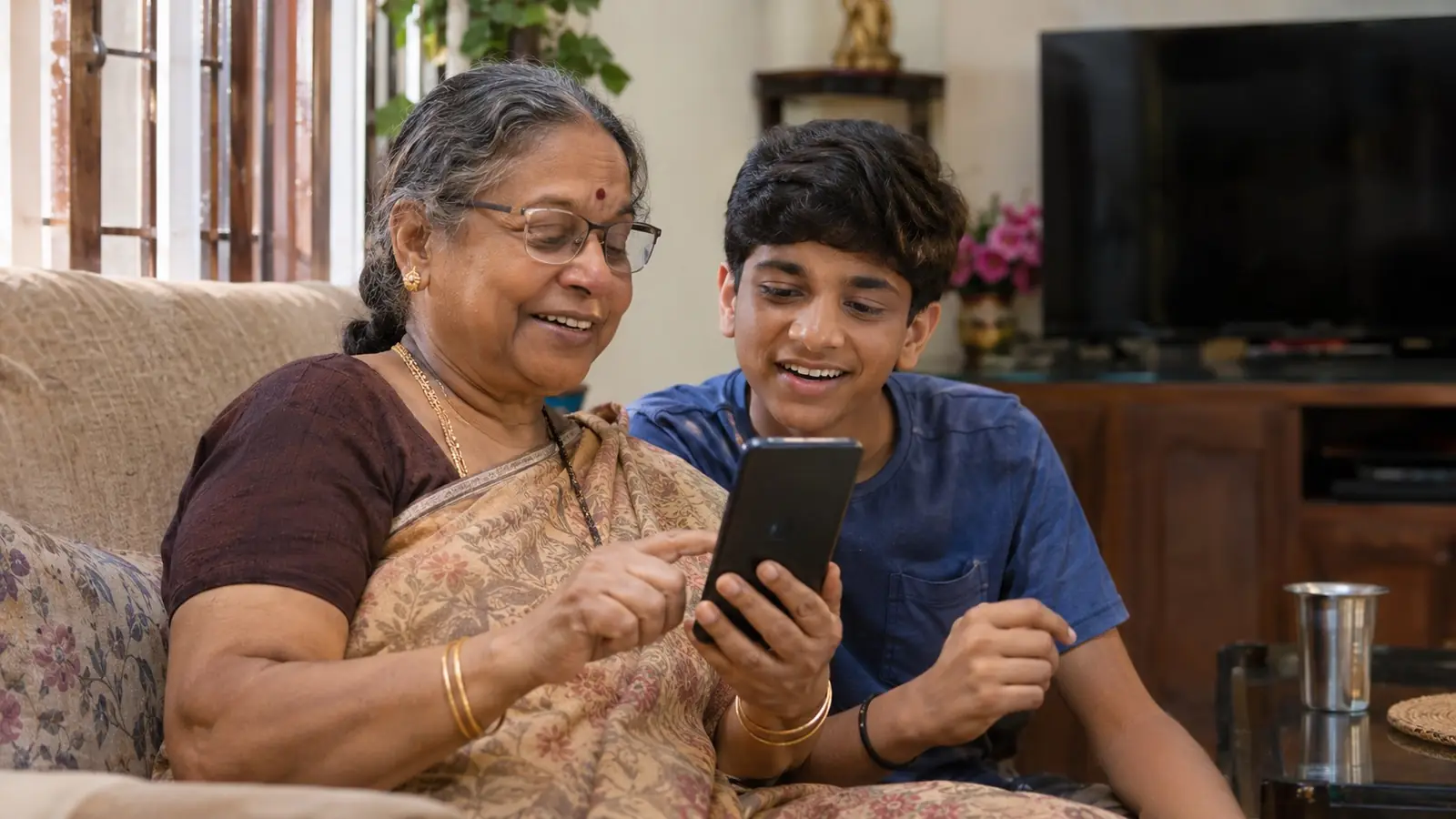
Krishiinet encourages every customer to use internet services safely, responsibly and lawfully. This awareness page helps families, children, students, senior citizens and business users stay alert against online fraud, unsafe links, cyberbullying, identity misuse and harmful digital behaviour.
- Krishiinet will never ask for OTP, UPI PIN, banking password, card PIN or remote screen access for normal support.
- Do not click unknown links received through SMS, WhatsApp, Telegram, email or social media.
- For cyber financial fraud, call the national cybercrime helpline 1930 immediately.
- Parents should monitor children’s online activity and enable parental controls wherever possible.
Cyber safety awareness campaign by Krishiinet.
Krishiinet is publishing these awareness posters as part of our ongoing customer education initiative. Customers can use these reminders to identify online fraud, guide children safely and report cybercrime quickly.

Protect children while they use internet, games and social media.
Children may not always understand the risks of online strangers, gaming chats, fake profiles, cyberbullying, harmful content, privacy misuse and payment fraud. Parents and guardians should guide children regularly.
Children should not share mobile number, address, school name, photos, videos, passwords, OTPs, parent’s banking details or live location with unknown people online.
Online games may expose children to strangers, abusive chats, fake rewards, top-up scams and in-app purchase risks. Review chat settings, friend lists and payment permissions.
Enable parental controls on mobile phones, laptops, smart TVs, browsers and streaming apps. Use child-safe profiles and review screen time regularly.
Stay alert against OTP, UPI and phishing scams.
Cyber fraud can happen through fake customer care numbers, fake payment links, loan apps, KYC update messages, screen-sharing apps, suspicious APK files, fake job offers, investment scams and impersonation calls.
Never share these details
- OTP, UPI PIN, ATM PIN or card PIN
- Net banking password or email password
- Debit card, credit card or CVV details
- Remote screen access through AnyDesk, QuickSupport or similar apps
- Personal photos, Aadhaar/PAN images or identity documents with unknown persons
Avoid suspicious links and apps
- Do not install APK files from unknown sources.
- Do not click lottery, reward, refund or KYC update links without verification.
- Check the website address before entering login or payment details.
- Do not scan unknown QR codes for receiving money.
- Keep your mobile, browser and antivirus software updated.
Simple habits that make internet usage safer for everyone.
Customers are advised to follow basic cyber hygiene at home and office. These steps reduce the risk of fraud, account takeover, malware infection and privacy misuse.
Use strong passwords, avoid reusing the same password across websites, and enable two-factor authentication for email, banking, social media and important accounts.
Keep your WiFi password private, change default router passwords, and avoid sharing your home WiFi with unknown persons or nearby strangers.
Update mobile phones, laptops, apps and browsers. Remove unused apps and review camera, microphone, contacts and location permissions regularly.
Use internet services lawfully and responsibly.
Krishiinet customers are requested not to use internet services for illegal activity, cyber fraud, hacking, harassment, abuse, piracy, distribution of prohibited content or any activity that violates applicable laws.
Customers should not use broadband services for activities that harm other users, networks, platforms, children, women, senior citizens, businesses or public systems.
Customers should provide accurate account details, keep contact information updated, and cooperate with lawful requests and official reporting requirements where applicable.
Where customers can report cyber fraud and online abuse.
Krishiinet is sharing these public reporting channels for customer awareness. In emergencies or crimes requiring immediate action, customers should contact the appropriate police or government authority directly.
For cybercrime complaints in India, including women/children related cybercrime and cyber financial fraud.
If money is lost in an online financial fraud, call 1930 immediately and also inform your bank as early as possible.
Report suspected fraud communication received through call, SMS or WhatsApp on the Sanchar Saathi portal.
For emergencies or crimes other than cybercrime, contact local police or the appropriate emergency helpline.
Awareness for children, parents and senior citizens.
A safe home internet environment depends on awareness. Families should discuss online behaviour openly, especially with children and elderly users who may be targeted by fraudsters.
Keep children’s devices in common family areas where possible. Discuss cyberbullying, fake profiles, online strangers and privacy protection.
Senior citizens should avoid urgent money transfer requests, fake bank calls, KYC update links, loan calls and unknown screen-sharing support requests.
Business users should protect email accounts, payment accounts, staff devices, routers and customer data with strong passwords and regular updates.
Cyber safety questions customers often ask.
These answers are provided for awareness. For official complaint registration, customers should use the government reporting channels listed above.
Need Krishiinet support?
For broadband complaints, billing support or connection help, contact the official Krishiinet support team.
Awareness note
This page is published by Krishiinet for customer awareness and safer internet usage. It is not a substitute for legal advice, police complaint registration or emergency response. For cybercrime, financial fraud, child safety concerns, harassment, abuse or illegal online activity, customers should contact the appropriate government, police or law enforcement authority directly.