

Krishii ONE Guide › Entertainment
Profiles and Kids mode
A separate space for each family member, and a Kids profile protected by a parent PIN.
A profile for everyone
Each person at home gets their own profile with their own favourites, My List and suggestions. Pick yours on the “Who’s watching?” screen.
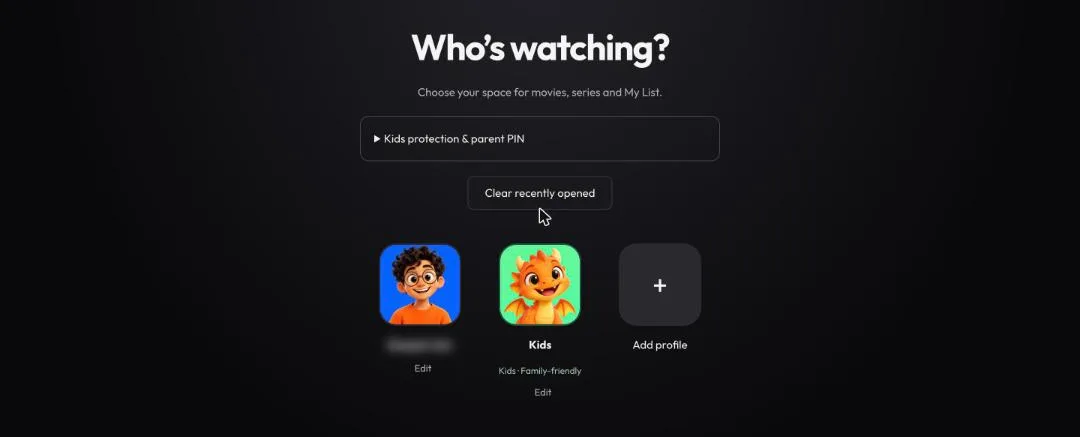
“Who’s watching?”: one profile per person, plus a Kids profile.
Kids profile
- A-rated (adult) content is filtered out of results and search.
- Kids’ search history stays clean: adult titles don’t show up there either.
- A parent PIN stops kids from opening an adult profile. Set it under Kids protection & parent PIN.
- Clear recently opened wipes the recent list whenever you want.
Full control for parents
Want to decide exactly what the kids watch? Use Play on TV to send a movie or show to the TV at home, from your phone or office laptop. How Play on TV works
Coming soon: block one device on your WiFi, as part of parental control. See WiFi.