

Raise and track a ticket
Raise a complaint, follow it, track your engineer and talk to them, all in the app.
Raise a ticket
Go to My account → Help & support. Tap Fix my internet or Contact support and tell us what’s wrong. You get a ticket number straight away.
See your tickets
The Tickets tab shows every ticket you have raised and where it stands: open, in progress or closed.
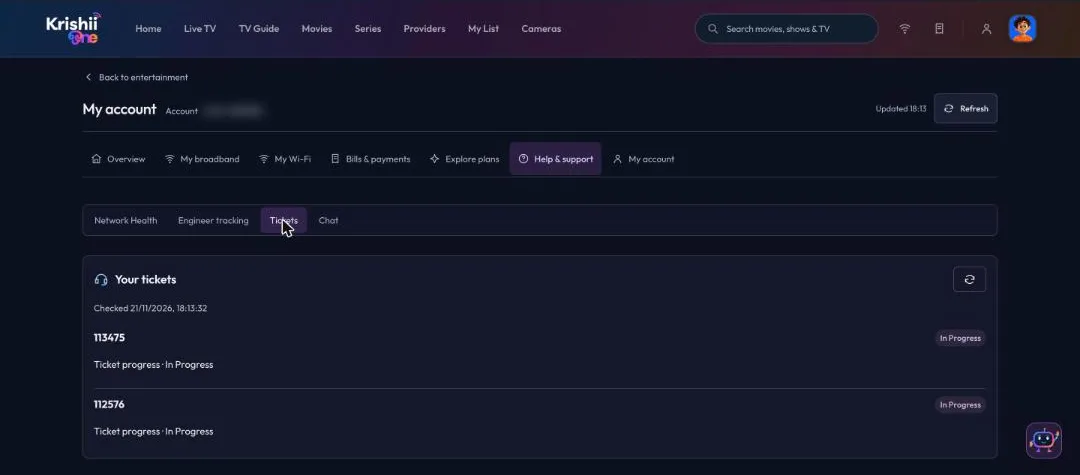
Tickets: each ticket with its live progress.
Track your engineer
Once your ticket is in progress and an engineer is on the way, the Engineer tracking tab shows where they are. You can talk to the engineer directly from the app, with no need to share phone numbers.
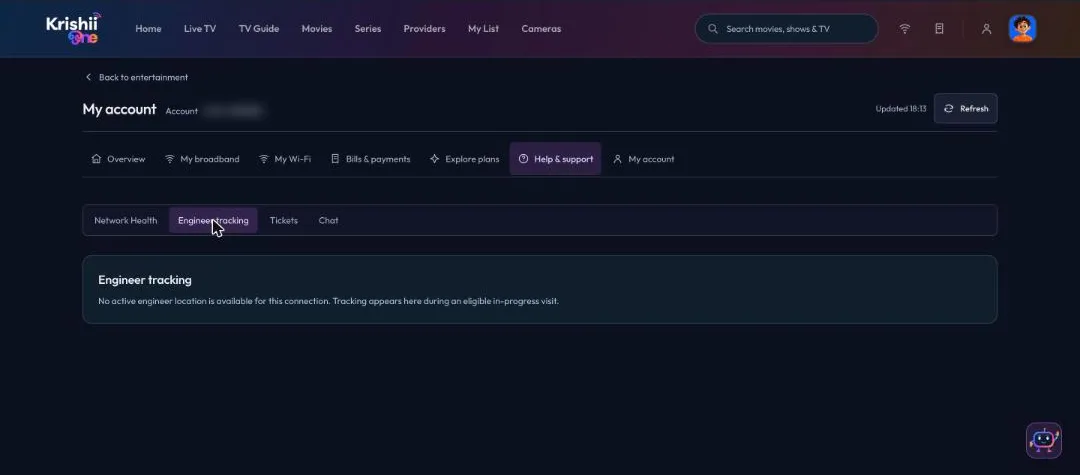
Engineer tracking appears during an in-progress visit.
Use your voice on the TV
On a Google-certified Android TV, press the mic button on your voice remote and speak. Search for a channel, a movie or an actor without typing.
Chat with Minnon
The Chat tab opens Minnon, our support assistant. Minnon answers common questions straight away and hands you to a person when you need one.
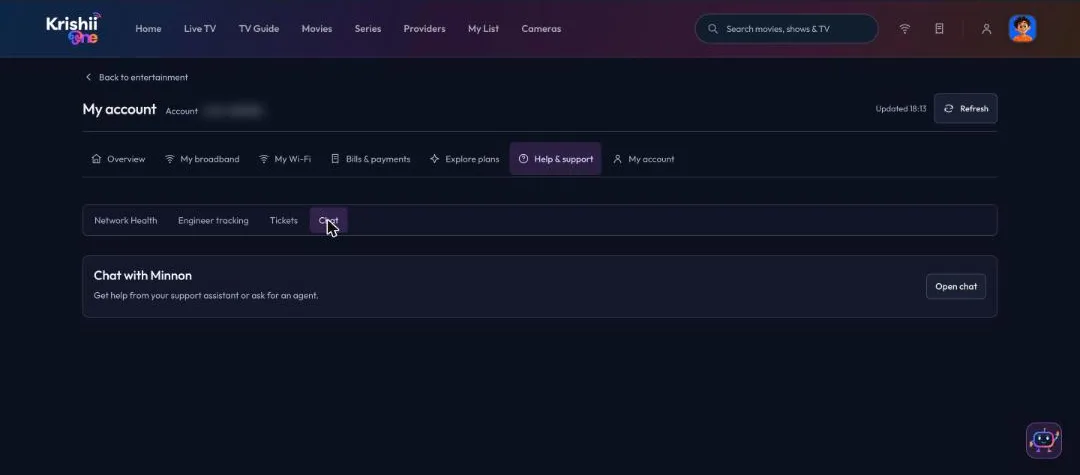
Chat with Minnon, or ask for an agent.